 Familienboard
Set up the family
- Open the “Settings” tab and tap “Family”.
- Enter the family name.
- Tap “Add person”, choose name, role and color, and tap “Save”.
First steps, guides and the most common questions. Anything else by email.
No. There is no sign-in. The board lives only on your device.
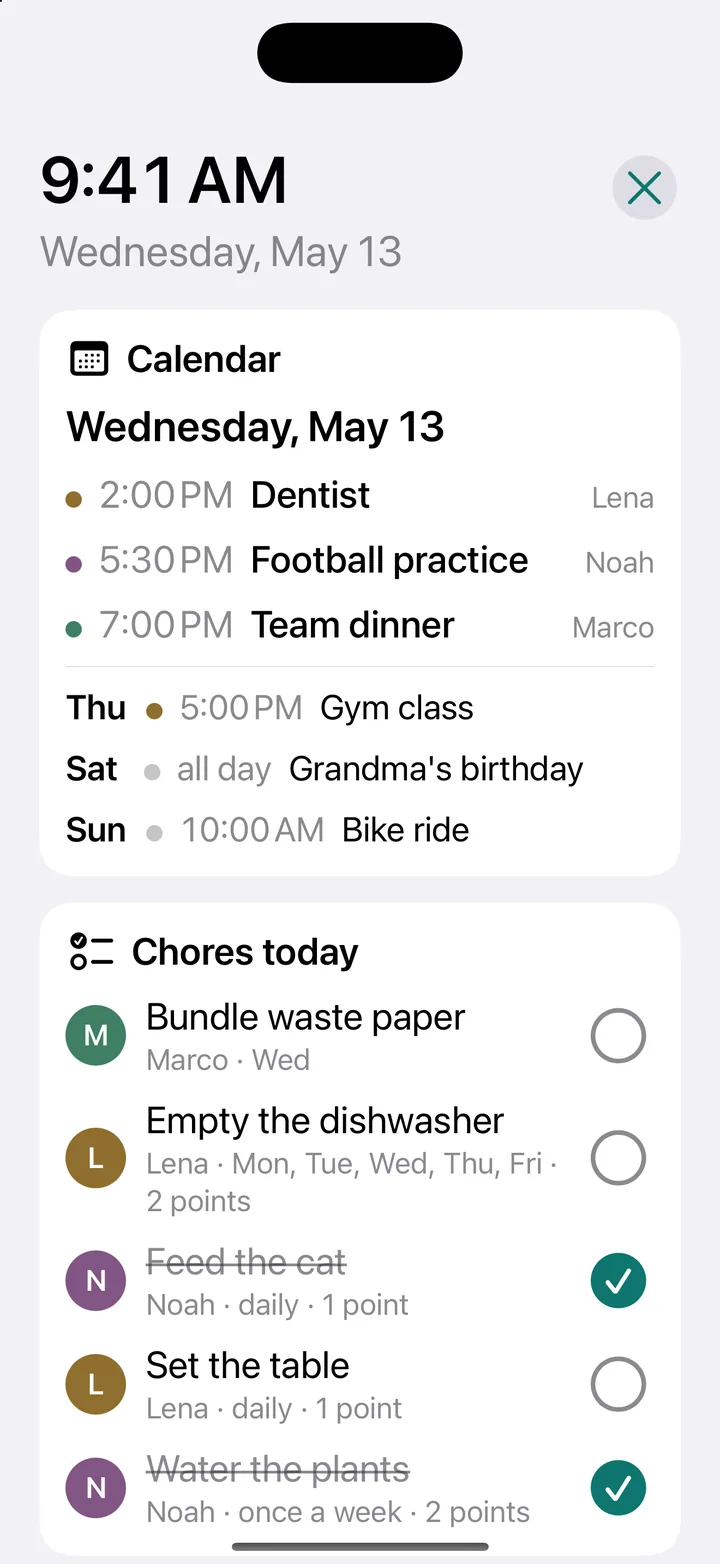
For now the board lives on one device, for example the iPad on the wall. Everyone ticks things off there.
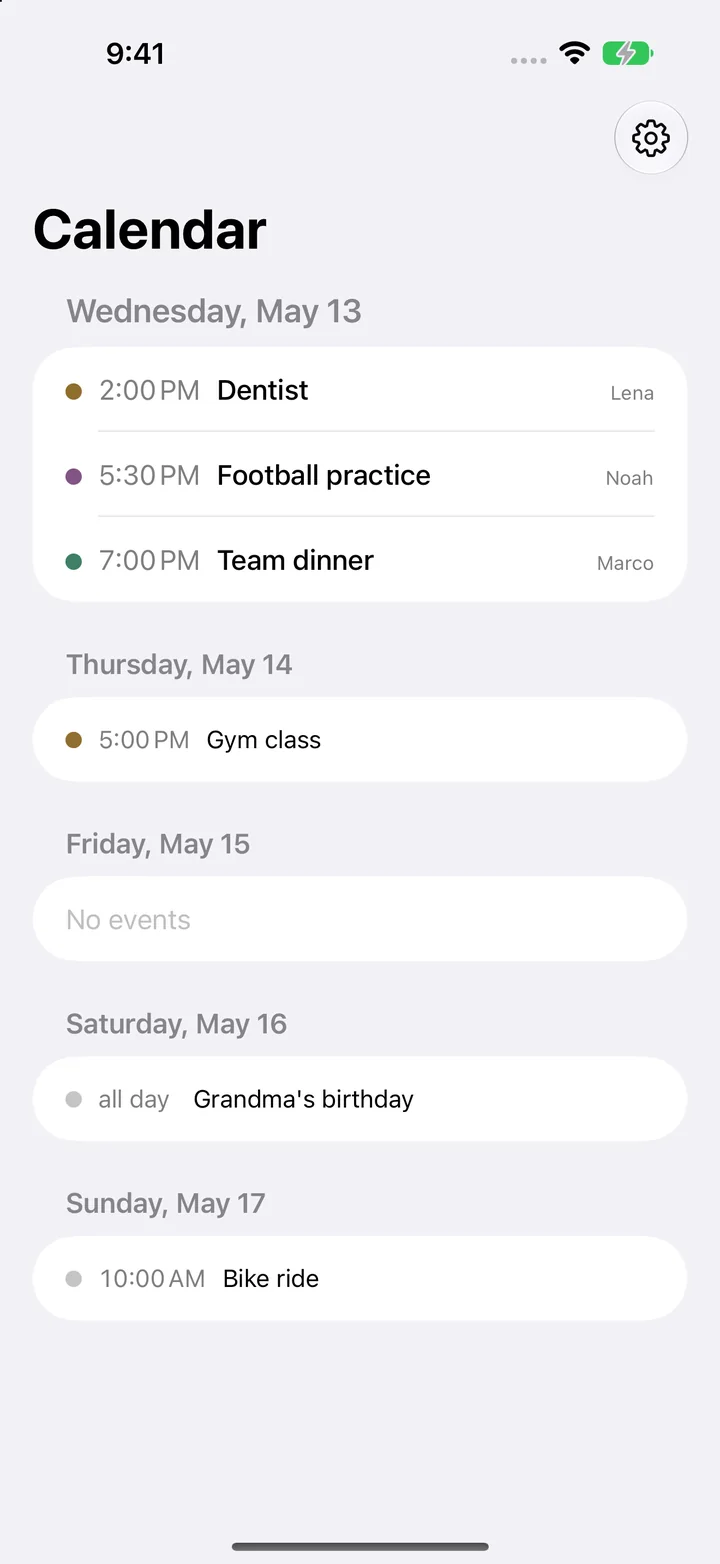
Only from the calendars you turned on under Settings › Choose calendars. The events stay on the device.
With Guided Access in iOS: Settings › Accessibility › Guided Access.
With the device's iCloud backup. The app data is included.
A question, a bug, a wish: write to us.